
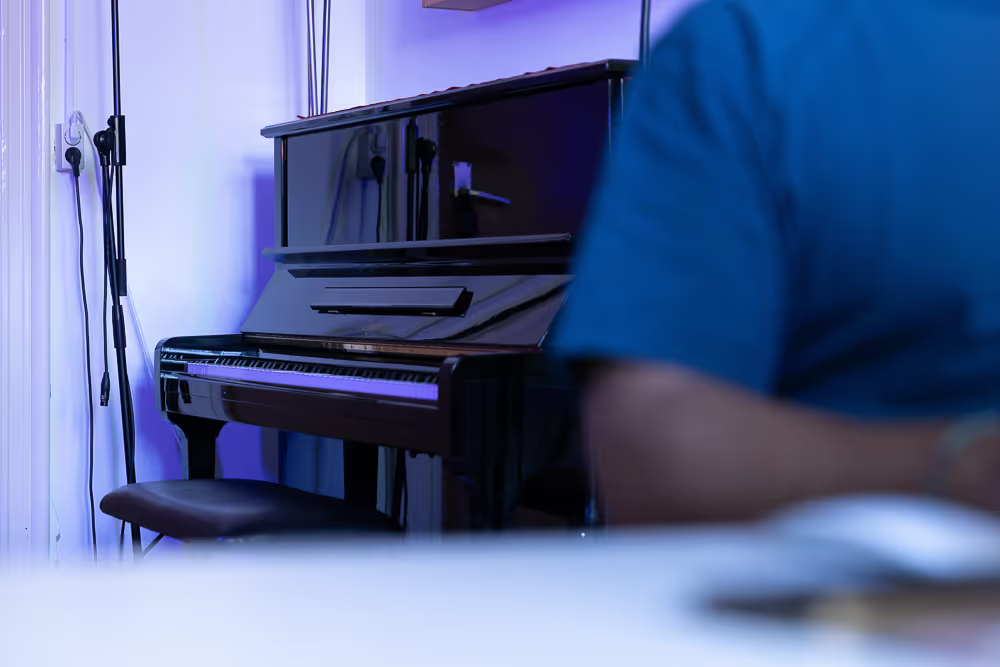
A spatial audio workflow carries a listening idea from the first sketch into a real room.
That journey includes composition, previews, prototypes, system planning, content preparation, integration and on-site tuning. The tools may change along the way, but the central question should not: what should visitors hear, and how should that sound behave in this place?
A good workflow connects seven stages:
Previews help teams make decisions before the room is ready. They are valuable working models, but they are not proof of the final result. The installed space remains the reference.
The workflow begins by defining what sound should do, before software or loudspeakers are chosen. It may guide attention, connect rooms, give an object a voice, create a surrounding atmosphere or respond to movement. Each task leads to different decisions about content, timing, system design and testing.
This first step also identifies what must be protected. Clear speech may need distance from an interactive station, a subtle composition may need a quiet threshold, and a responsive installation may need immediate feedback so visitors understand that their movement matters.
With the listening goal defined, early sketches make the spatial idea discussable. A spatial score can show when and where events occur, zone plans can identify where sound should remain local, and simple multichannel mock-ups can test movement and layering.
Binaural previews are useful when a team needs to review direction, proximity and general motion over headphones. Real-time engines help when sound reacts to position, gesture, data or changing visual scenes. VR and XR prototypes can place that behaviour inside an early model of the environment. Each method answers particular questions while changes are still easy to make.
Once the key behaviours are clear, the team can choose how spatial information should travel through production. A known permanent installation may use fixed multichannel files, while an adaptable work may keep sources as objects until rendering. Ambisonics can serve soundfield recording or variable playback, and a headphone experience may be binaural from the start.
Renderer, playback system and content format need to be chosen together. The workflow must also connect with show control, network audio, sensors, projection and any other system that affects timing or interaction.
Each preview captures a different part of the final experience. Headphones are useful for reviewing direction and movement, but they cannot reproduce the shared acoustics of a room. A stereo mock-up gives little sense of spatial depth. Simulations simplify reflections, materials, background noise and the presence of visitors. Real-time prototypes show how a system responds, although that response may feel different in the final architecture. The right preview depends on what the team needs to decide.
Previews also give the team something concrete to discuss. A routing diagram alone does not convey how a space will sound. A short headphone sketch, annotated score or interactive mock-up makes movement and timing easier to understand.
When the installed setup becomes available, the spatial material must be mapped to it. This may involve decoding Ambisonics, rendering objects, preparing fixed loudspeaker feeds, configuring zones, routing network audio or connecting sensors to show control.
This translation remains part of the composition. Movement that feels clear in headphones may blur in a reflective room, a dense layer may mask speech, and a transition may need more time to remain legible while visitors walk. The score is adjusted until the intended behaviour survives the real conditions.
Once the system is installed, the room becomes the final reference. Listening from different positions along the visitor route reveals how thresholds, the balance between speech and music, and the timing of interactive responses work in practice. It also shows how neighbouring exhibits affect one another when they run at the same time.
This on-site work covers level, delay, localisation, frequency balance, dynamics, coverage and spill, but also the way the sound holds up over time. A moment that feels effective in a short test may become tiring during a long visit or after a full day of operation.
For a permanent installation, the workflow continues after the mix is approved. File naming, routing, calibration, startup behaviour, monitoring, presets and failure handling all need to be documented.
Good handover material lets the operating team understand what normal behaviour looks like, identify a problem and restore the intended state without rebuilding the system.
A synchronised narrative unfolds across several rooms and listening positions. The workflow had to connect one timeline with changing distance, architectural spill and a moving audience.
I AM NOT A ROBOT
Interaction and a 24-loudspeaker system form one responsive installation. Prototyping, mapping and on-site testing were inseparable from the composition.
A four-hour multichannel composition was implemented in an underwater tunnel exhibition. The long duration and the acoustic conditions of the site were as important as the original musical material.
Across these projects, the workflow follows the listening decisions that carry the greatest risk. Depending on the installation, that may require binaural previews, multichannel sketches, real-time prototypes, spatial scores, interaction tests or on-site mock-ups.
Each tool answers a defined question, while the final playback condition stays visible throughout the process. This keeps composition, system design and integration aligned as the work moves from the studio into the site.
Spatial Audio defines how sound is placed and shaped around listeners, while a Spatial Score maps those intentions before the production chain is fixed. Spatial Audio Formats and Methods explains how channel-based, object-based, Ambisonics and binaural approaches carry spatial information through production.
Spatial Audio Systems and Renderers follows that information into the playback environment. Interactive Sound considers the real-time behaviour, sensors and visitor input that may also become part of the workflow.
Can a binaural preview replace a loudspeaker test?
No. It can communicate direction and movement over headphones, but it cannot reproduce the shared acoustics, coverage and spill of the final room.
When are real-time engines useful?
When sound responds to movement, position, interaction, data or changing media. They let the team test behaviour rather than only a fixed timeline.
Why is on-site tuning necessary?
Because materials, reflections, loudspeaker placement, visitor routes and neighbouring media change how sound is perceived.
When should workflow planning begin?
Early, together with architecture, exhibition design, media planning and interaction. That is when the technical chain can still follow the listening concept.
For new exhibitions and installations, we use this process to carry the listening concept from studio preview into the real conditions of the site.
